
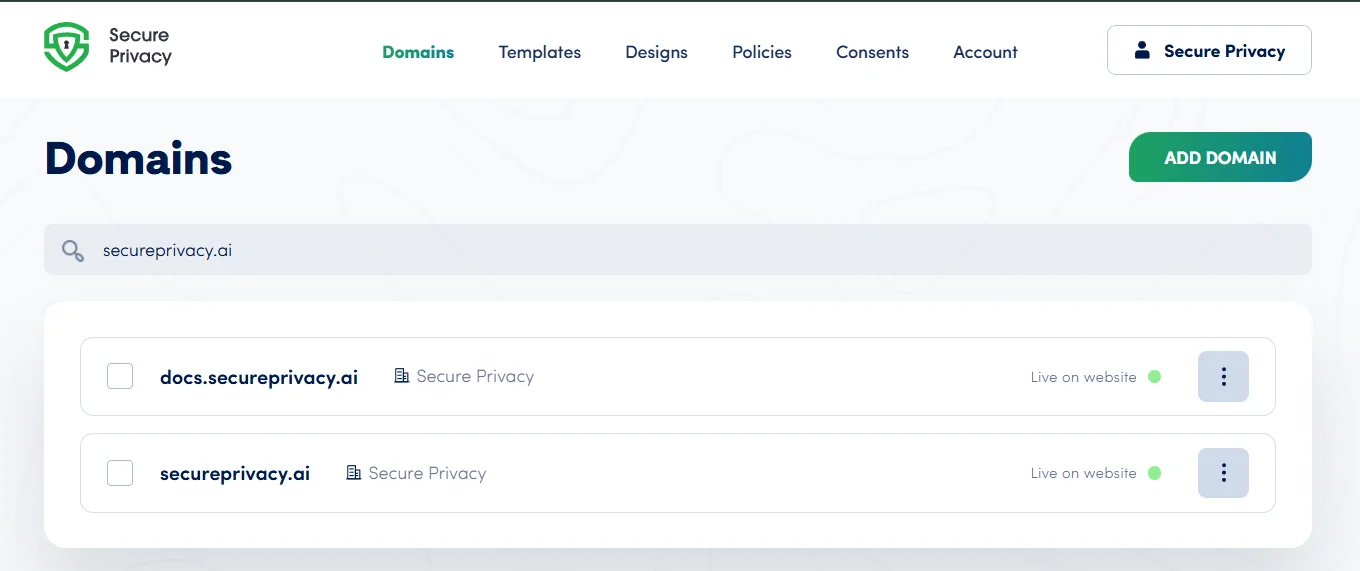
Secure Privacy is a Google-certified Consent Management Platform (CMP) — meeting Google's strict standards for privacy compliance and full integration with Google Consent Mode. This guide explains what a CMP is, why Google certification matters, how Secure Privacy integrates with Google Tag Manager and Consent Mode, and what this means for your analytics accuracy and GDPR compliance.
Who Is This For?
Website owners and administrators responsible for cookie consent and data privacy compliance
Marketers and analytics teams balancing user privacy with accurate campaign measurement
Compliance managers verifying that their CMP meets Google's certification standards
Developers integrating Secure Privacy with Google Tag Manager and Consent Mode
What Is a Consent Management Platform (CMP)?
A Consent Management Platform is software that helps websites collect, record, and manage user consent for data collection and processing. A CMP presents the consent banner to visitors, records their choices, blocks non-essential cookies until consent is given, and signals those choices to third-party tools — ensuring compliance with GDPR, CCPA, and other applicable privacy regulations.
Why Google Certification for a CMP Matters
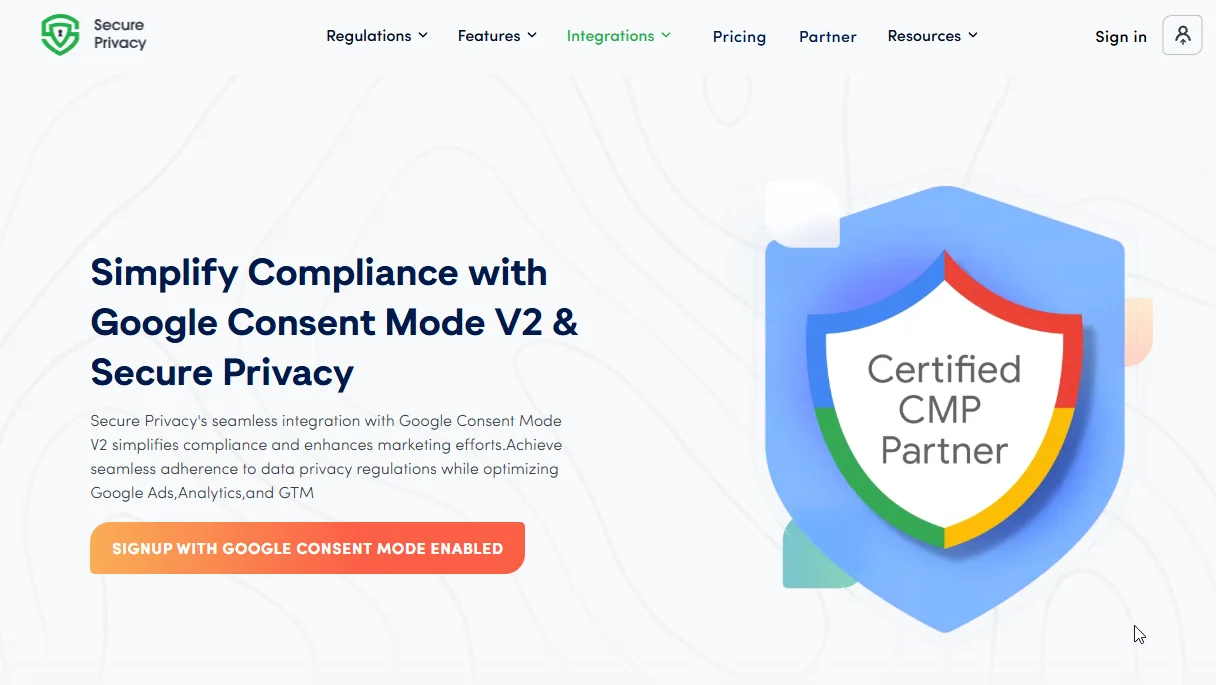
Google's CMP certification program verifies that a consent management platform meets strict technical and compliance standards for privacy and consent signal accuracy. Being Google-certified means:
The CMP meets Google's requirements for consent signal transmission via the Consent Mode API
Full compatibility with Google Analytics, Google Ads, and Google Tag Manager is verified
Users and business partners can trust that consent signals are accurate, correctly passed, and auditable
Key Benefits of Using a Google-Certified CMP
Trust and credibility
Google's certification signals to users, partners, and regulators that your consent management meets the highest privacy and compliance standards — reducing reputational risk and demonstrating accountability.
Google Tag Manager integration
Secure Privacy works directly with Google Tag Manager — allowing you to manage ad and analytics tags while maintaining full consent-based control over when and how they fire.
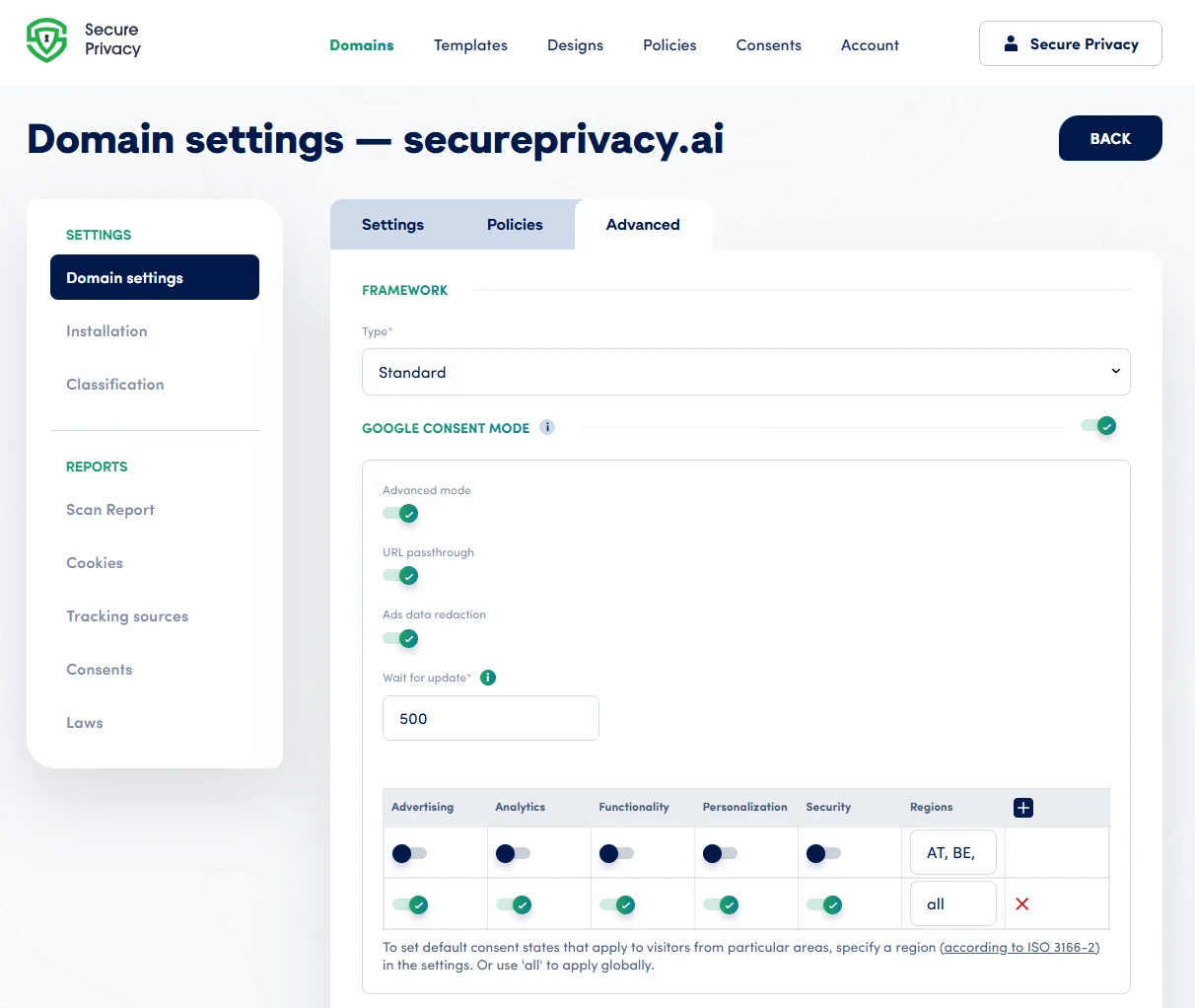
Google Consent Mode support
Secure Privacy passes consent signals to Google tags via the Consent Mode API — ensuring user choices are respected while preserving the aggregated, modeled data needed for accurate campaign measurement.
Why Choose Secure Privacy as Your Google-Certified CMP
Powerful, user-friendly consent management
Granular consent controls for all data categories — Essential, Analytics, Marketing, Preferences, and Social Media — presented in a clear, accessible banner and preference center.
Seamless Google integrations
Works automatically with Google Tag Manager and Google Consent Mode — no custom code required for standard integrations.
Top-tier data security
Enterprise-grade security including multi-factor authentication, AES-256 encryption, and regular compliance audits to protect consent records and user data.
Commitment to transparency and compliance
Continuously updated to meet evolving regulations across GDPR, CCPA, LGPD, and 50+ other privacy laws — with regular security and transparency reviews.
How Secure Privacy Integrates with Google Consent Mode
When a visitor lands on your website, Secure Privacy's CMP presents the consent banner.
If consent is given, analytics and advertising tags activate and operate as normal.
If consent is declined or not yet given, tags operate in restricted mode — no advertising cookies are set, and only anonymized, aggregated signals are sent.
The visitor's consent choices are transmitted to Google via the Consent Mode API — ensuring all Google tags respect the user's intent in real time.
Your marketing measurement data remains as accurate as possible while visitor privacy is fully respected and documented.
Frequently Asked Questions
Visitors are not seeing the consent banner — what should I check?
Verify that the Secure Privacy installation script is correctly placed at the top of the <head> section on all pages of your website. Check your compliance module's targeting settings to ensure the banner is enabled and set to display to the correct audience. If the script is installed but the banner is not appearing, check for Content Security Policy conflicts that may be blocking the script from loading.
Consent is not syncing correctly with Google tags — how do I fix this?
Confirm that Secure Privacy is correctly connected to Google Tag Manager and that Google Consent Mode is enabled in your Secure Privacy dashboard settings. Verify that your GTM tags are configured to respect consent signals — using Consent Initialization triggers where required. See the Google Consent Mode Advanced GTM guide for detailed setup steps.
My analytics data is dropping after consent changes — what should I review?
A drop in analytics data after enabling consent management is expected — it reflects visitors who have declined analytics cookies. Review your Google Tag Manager tag configuration to ensure tags are using the correct consent-aware triggers. If the drop seems larger than expected, audit your consent banner's accept/decline rates and check whether your Google Consent Mode Basic or Advanced configuration is passing signals correctly to Google Analytics.